Photo editing with an iPad

http://www.photographedbyrich.com/p941404918/h6d6ac29c#h68066e94I like taking pictures with my iPhone but find editing them on it frustrating. The screen is small and that makes it tough to be precise. The iPad, with its larger screen makes editing easier. There are a lot of apps that allow you to edit your photos. I have tried many of them over the years and had been using Snapseed lately.
Many apps can modify your photos using filters but if you don't use them you don't know what they do. My wife, CJ and I joined with our friends Judy and Terry to explore some photo editing apps. We started by giving ourselves one month to make 5 photos using the Lone Star filter in Camera Awesome. You can take the picture with the app or with the regular camera and import it to Camera Awesome. Then you apply the Lone Star filter. Our group met for lunch tour house and shared our results. It was a fun time sharing what we came up with. Not all pictures respond well to this filter but some do.
Lone Star Examples
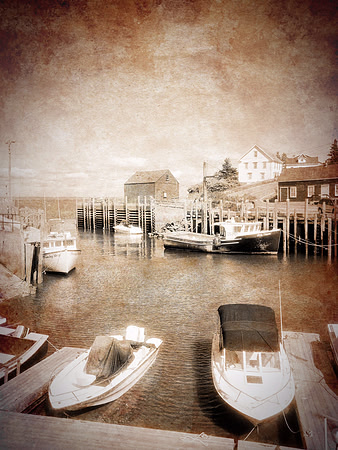 
Boats in a harbor. (Camera Awesome: Lone Star) |
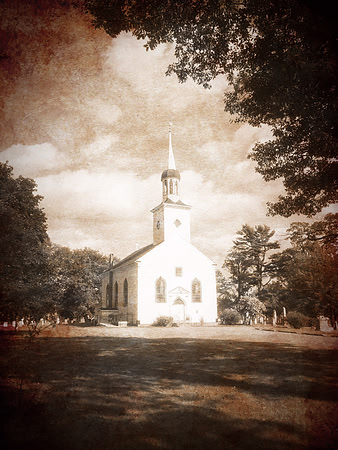
Country church with a cemetery. (Camera Awesome: Lone Star) |
Our second choice was an app called Brushstroke. This app allows you to make you photo look like a painting. The settings allow for lighter or stronger strokes, and the app tries to emulate the painting techniques used by different well known artists. I liked just playing around with the settings to see what I came up with. As with Lone Star, not all photos work well with this app. It was easy to use and most times I liked several variations but usually settled on just one. The group increased by one member this time as we added Pat. When we met, we had lunch first at Coasterra. Then got around to sharing our results and discussing techniques. There was no problem coming up with 5 images this time - more trouble with limiting our images. We chose Leonardo as our next app.
Brushstroke Examples
|
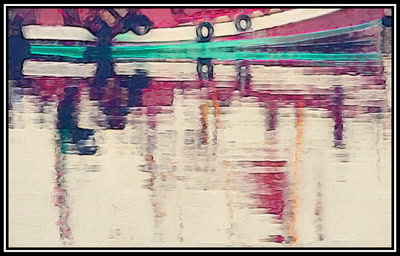
Honfleur Boat Reflection (Brushstroke) |
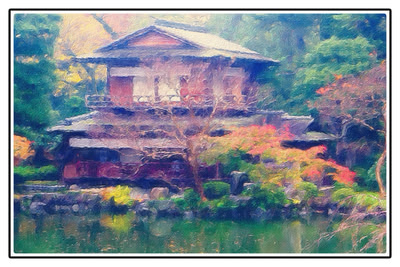
Imperial Gardens, Kyoto (Brushstroke) |
|
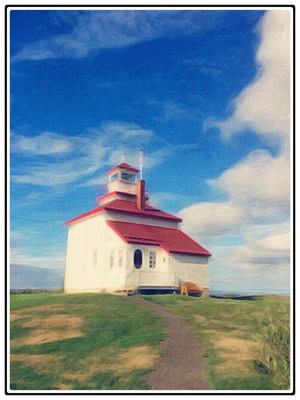
Lighthouse, Nova Scotia (Brushstroke) |
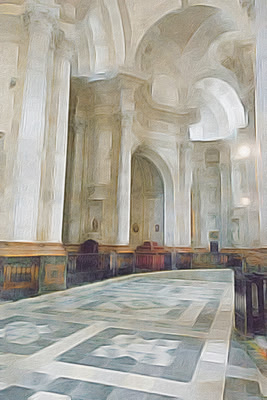
Church Interior, Spain (Brushstroke) |
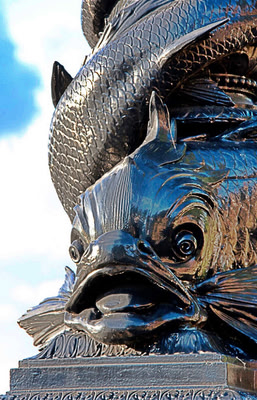
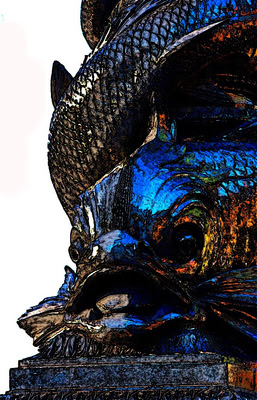
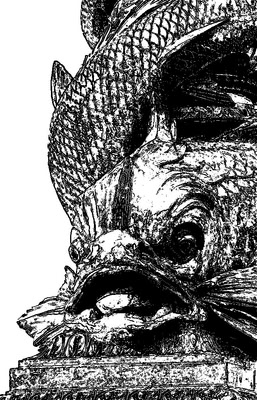
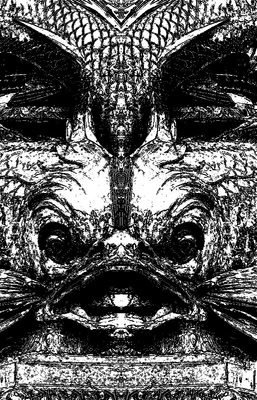
CJ and I hosted lunch at our house for the next meeting. It was fun for us to figure out a menu (shrimp po' boy sandwiches) and get everything ready. We all shared what was going on over lunch before we settled down to Leonardo images. A complete image processing app, Leonardo offers a lot of options. This makes it a challenge to decide what to explore. I chose a picture of a serpent statue found along the river Thames. First I manipulated the colors, then I chose a black and white treatment. Finally, I tried a mirror effect that I liked. The iPad is a great tool for sharing your work. It is big enough to see the image around a table and yet small enough to pass to another person for closer inspection. Seeing the original photo and the manipulated one is fun. Picked as the next app: iColorama, an app with even more options than Leonardo.
Leonardo Examples
|
|
|
|
|
CJ and I hosted and prepared lunch again. This time we decided on a shrimp and corn soup. We got the recipe from Phyllis Carey during a cooking class at La Jolla Community Center. The soup was a hit and so was the apple and spinach salad. The iColorama discussion showed a variety of things that the app can do. CJ and I felt like we had not made much progress mostly doing relatively ordinary editing. First I concentrated on some of the painterly type effects. Then I worked on isolating a model's face and changing the background and how it is revealed. Terry was the show stopper having mastered a sketch process that looks like a line drawing with some photo combined.
iColorama Examples
|
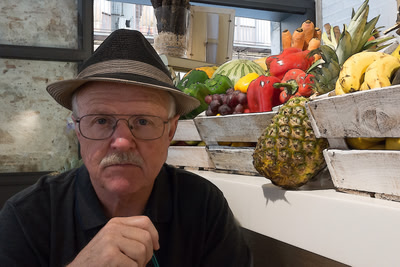
Slight simplify effect noticeable in the vegetables. |
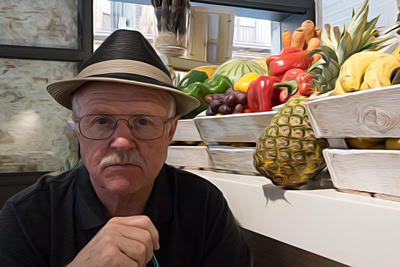
A painterly effect noticeable in the face. |
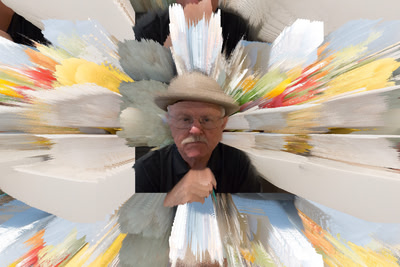
A rays effect centered around the face. Color from vegetables. |
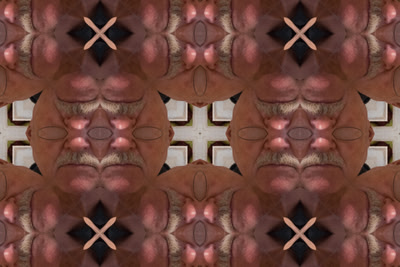
Reflected mosaic effect of the face in previous photos. |
Many of the tutorials we watched showed effects on models faces. So I tried some of that for fun.
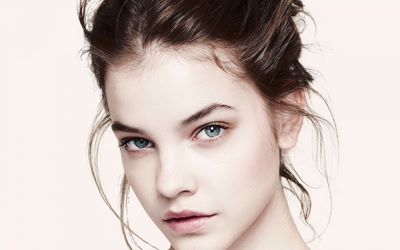
The original model shot. |
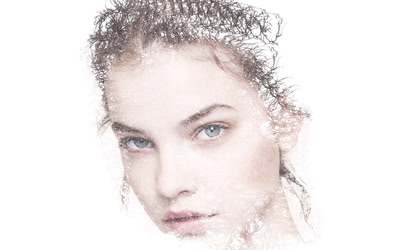
Use a brush to reveal some of the model through a mask effect. |
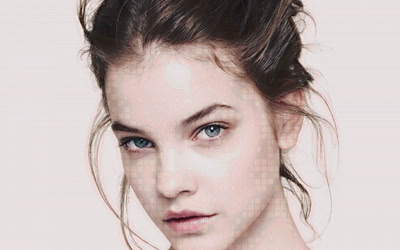
Showing a checkerboard pattern in parts of the face. |
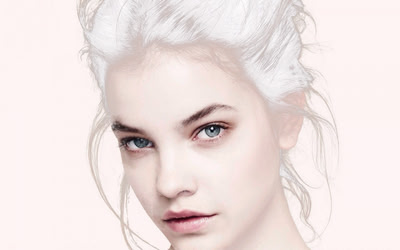
White hair effect but no effect on eyes and mouth. |
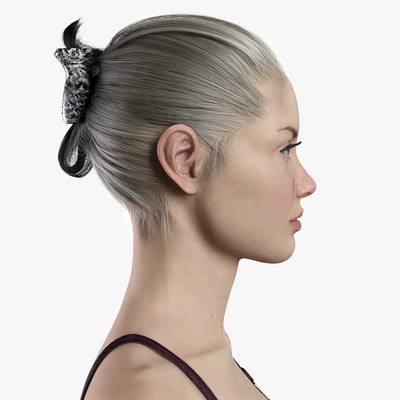
Another model shot. |
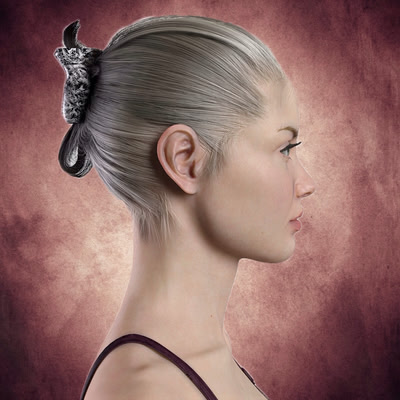
Mask the model and change the background. |
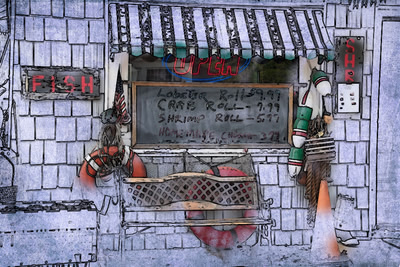
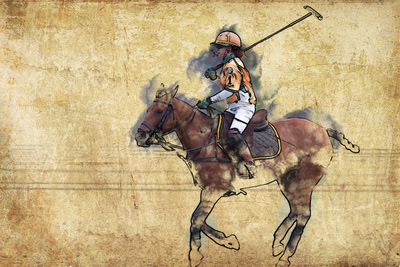
CJ and I worked on Terry's sketch technique after the group left and with many starts and stops of a tutorial video, managed to get some examples we liked.
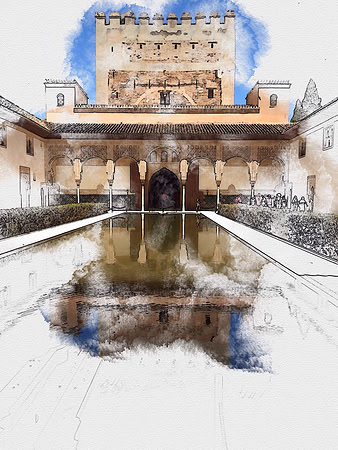
Alhambra Palace reflection. |

Boat reflection in Honfleur. |
|
|
Next app: Photoartista Haiku, a combination of papers, painting, and digital photos. This should be fun to try.